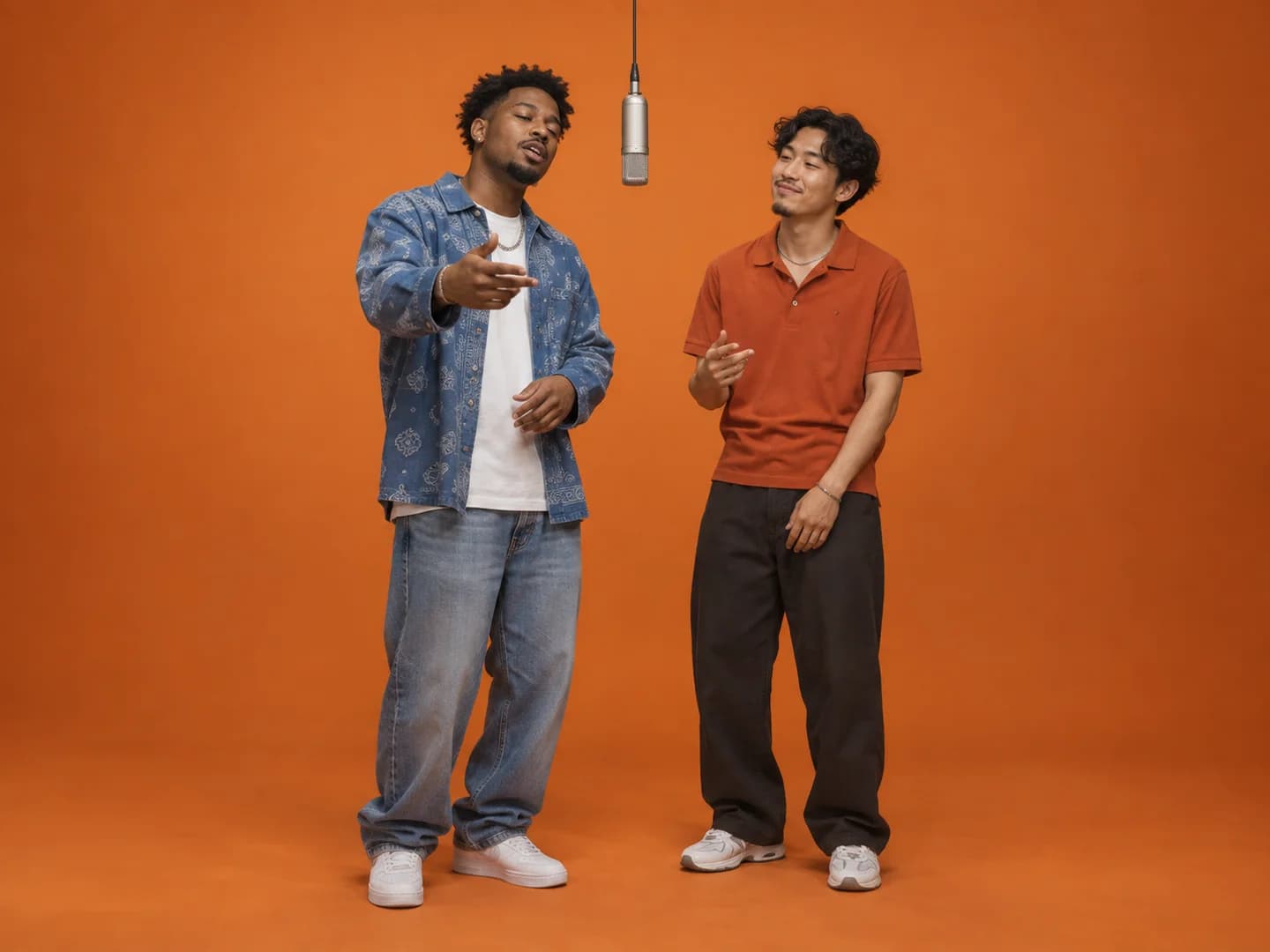
Best Friends
Turn the group chat's loudest duo into a studio act. Use a separate, well-lit photo of each friend.
The viral rap-duo trend, starring anyone
Upload two photos and watch them trade verses under one hanging mic. Friends, couples, pets: any duo works. No prompts, no editing timeline.
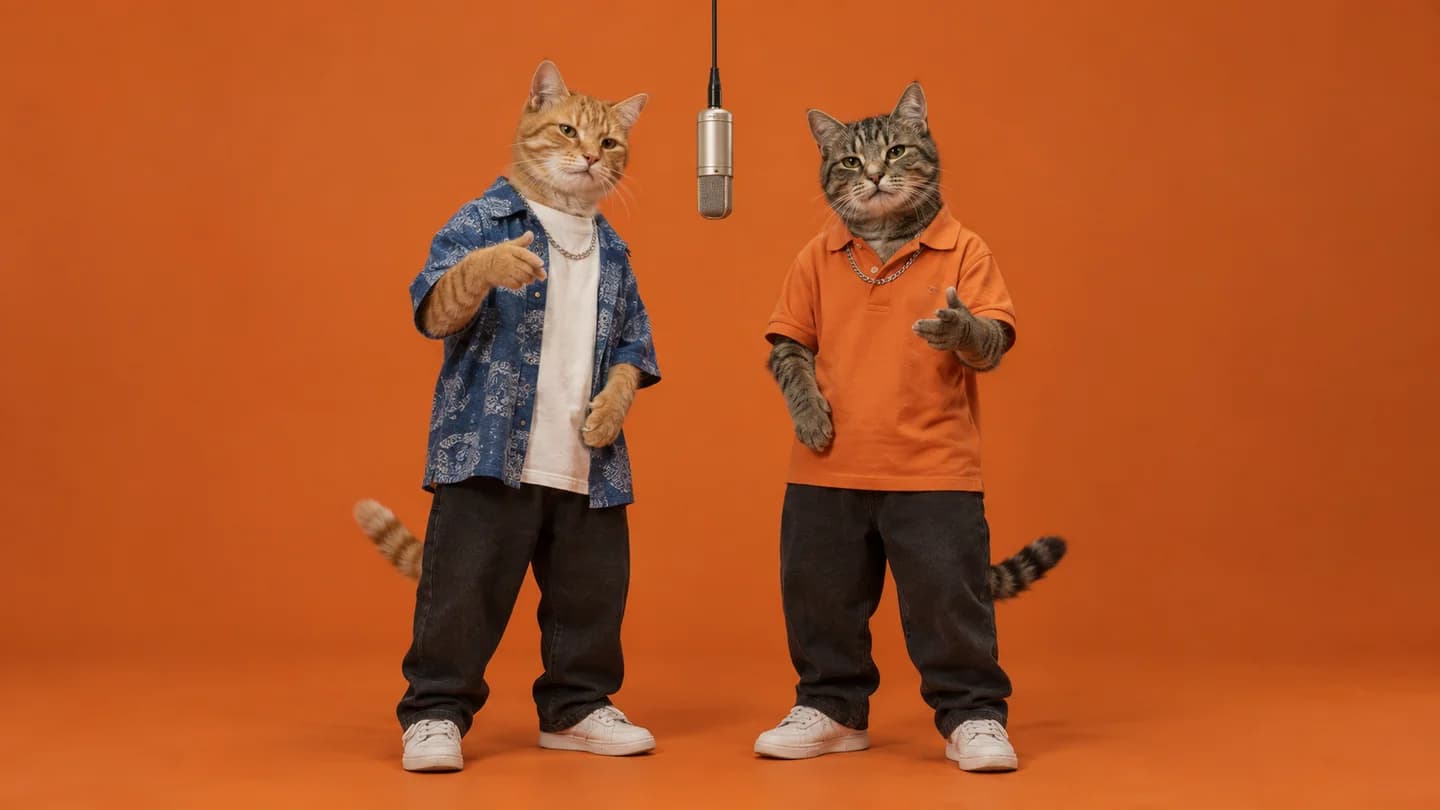
AI-generated example image. Upload your photos to preview the casting and layout.
Make it yours
The best Hotel Lobby videos pair people who would never share a mic in real life. Start with whoever will laugh the hardest.
Turn the group chat's loudest duo into a studio act. Use a separate, well-lit photo of each friend.
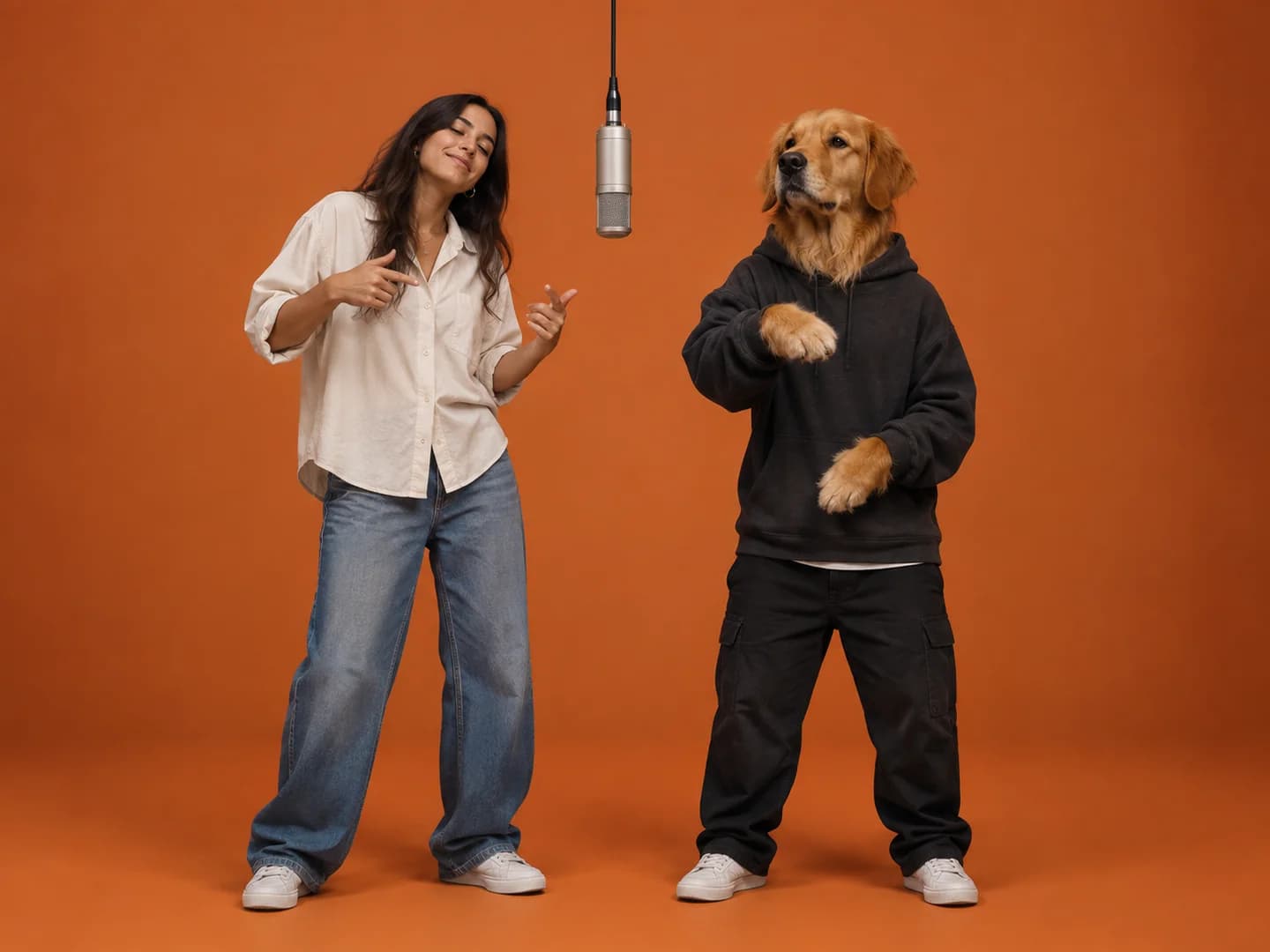
Let your dog take the hook while you hold down the verse. A serious-looking pet makes it twice as funny.
Two cats, or two pets who barely tolerate each other. One clear photo per animal keeps them easy to tell apart.
Three easy steps
No editor, no keyframes, no prompt writing. Pick two photos and let the booth do the rest.
Add Photo 1 for the left side and Photo 2 for the right. Front-facing shots in natural light give the AI the most to work with.
Choose portrait 9:16 for TikTok, Reels and Shorts, or landscape 16:9 for YouTube. Whoever is in Photo 1 raps on the left.
Your video usually renders in a few minutes. This tab keeps track of it, even after a refresh. Preview it here, then download the MP4 promptly.
2 photos · 1 duetBehind the trend
The trend borrows the look of a well-known 2022 studio performance by Quavo and Takeoff: two rappers in a plain orange booth, one hanging microphone, passing verses back and forth. In autumn 2026, TikTok creators started using AI to drop new faces into that setup, including cats, TV characters, athletes and best friends.
It works because the scene never changes. Only the duo does, so the joke lands the moment you see who is standing at the mic. This generator does one thing: it puts your two photos in that booth.
We generate original audio, not the original song. If you add music on TikTok or Reels, choose a track you're allowed to use.
Before you upload
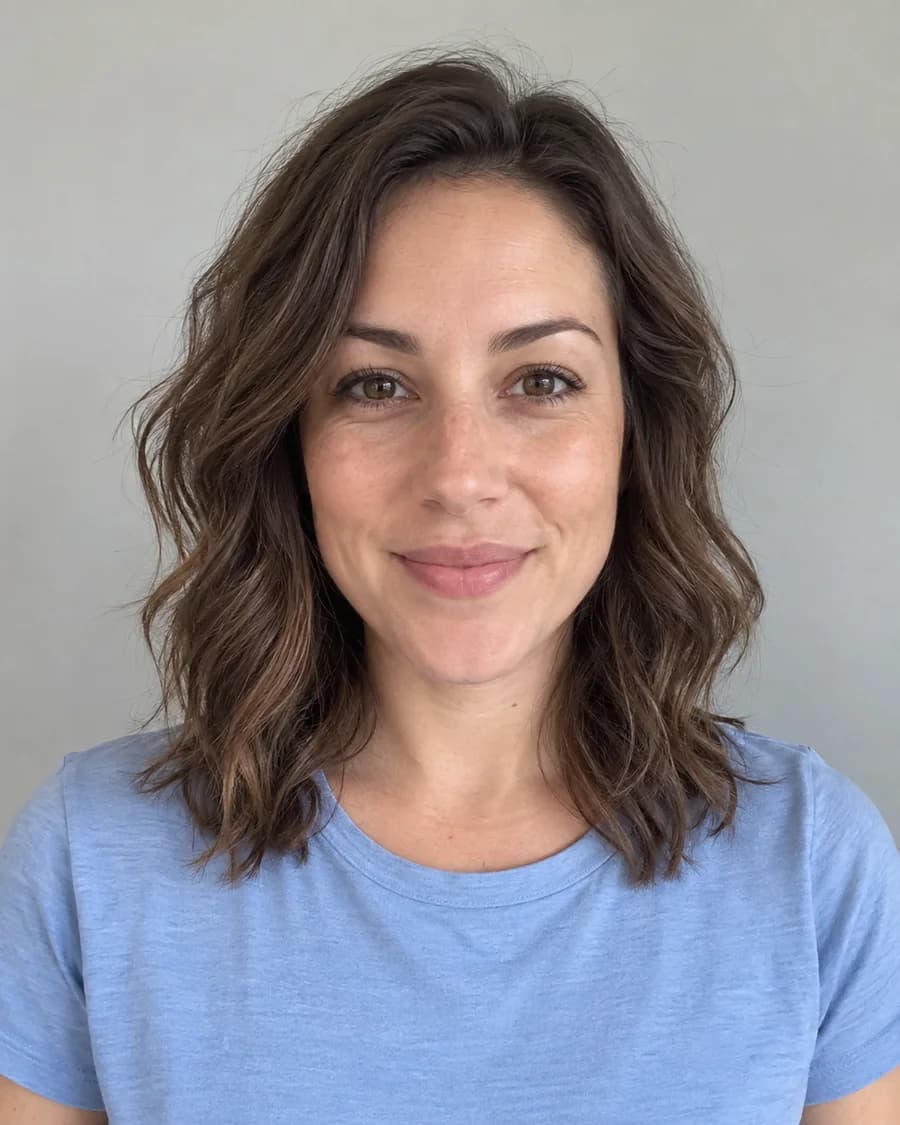
Your photos are the only input, so they decide how recognizable the result is.
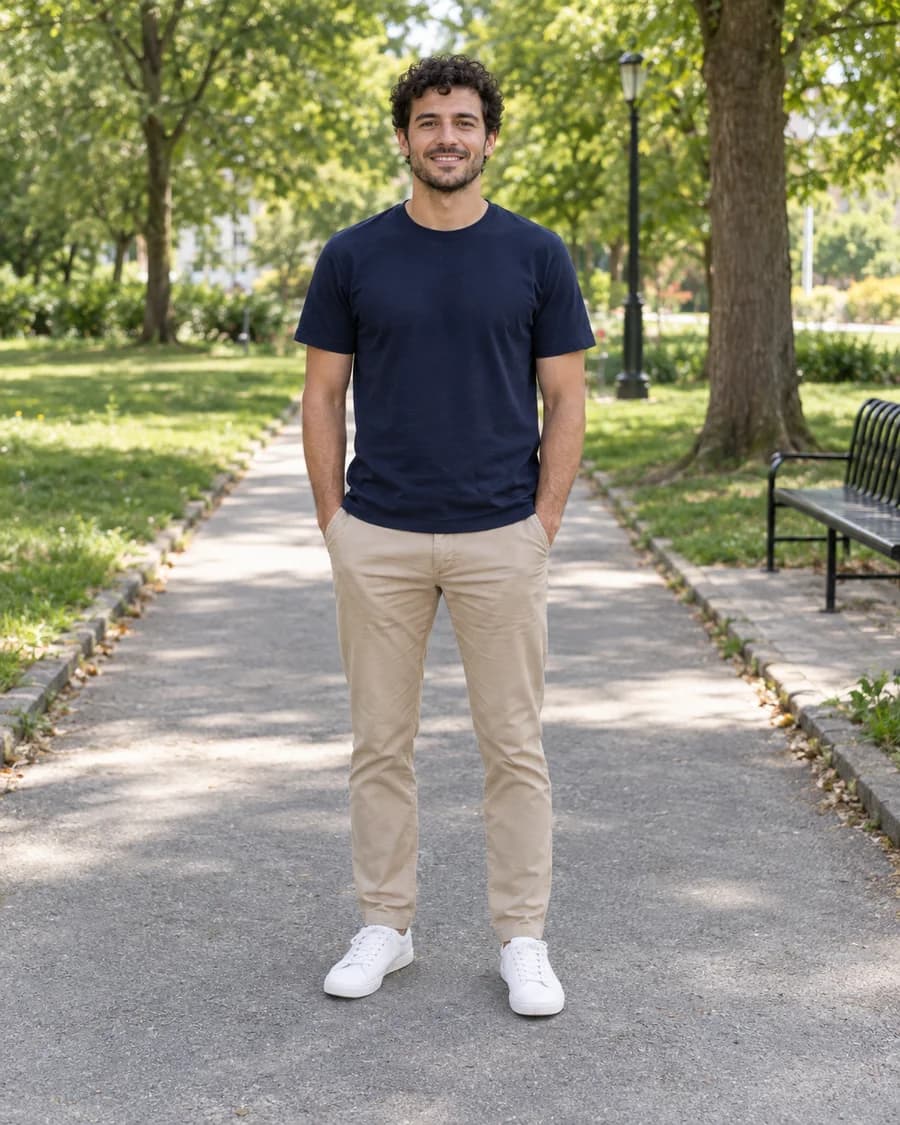
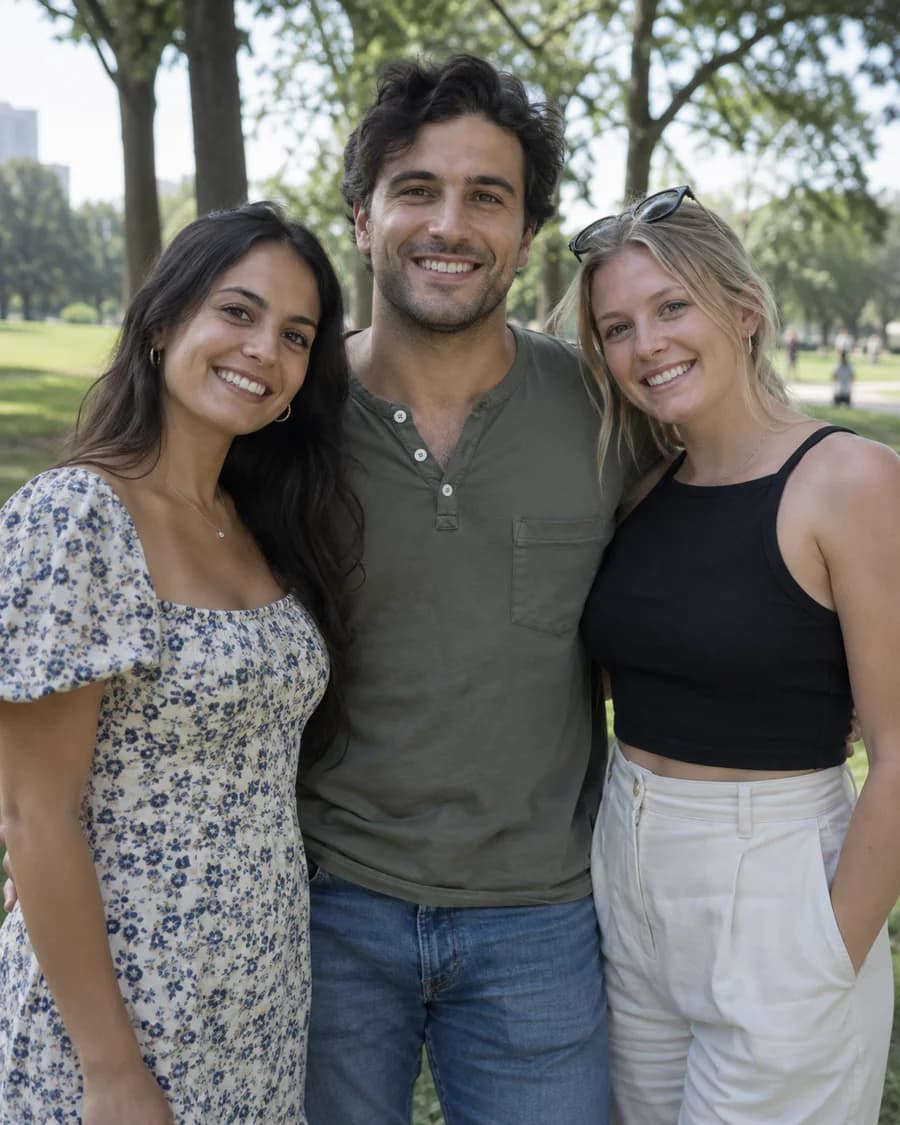
Upload each performer separately. Group shots make it hard for the AI to know who belongs on which side.
A sharp portrait keeps faces accurate. A head-to-toe shot also carries the outfit and shoes into the booth.
Crop stickers, captions and app buttons out of screenshots. Dark, noisy or heavily filtered photos lead to strange faces.
What you get
A ready-to-post clip, made from nothing but your two photos.
Each photo gets its own side of the booth, so you decide who raps on the left.
Portrait 9:16 drops straight into TikTok, Reels and Shorts without cropping.
Save the finished 15-second video to your device and post it anywhere.
The beat and voices are generated with the video. The original commercial song is never included.
Need an idea?
Half the fun is the casting. These pairings get the biggest reactions. Only use photos of people who are happy to be in it.
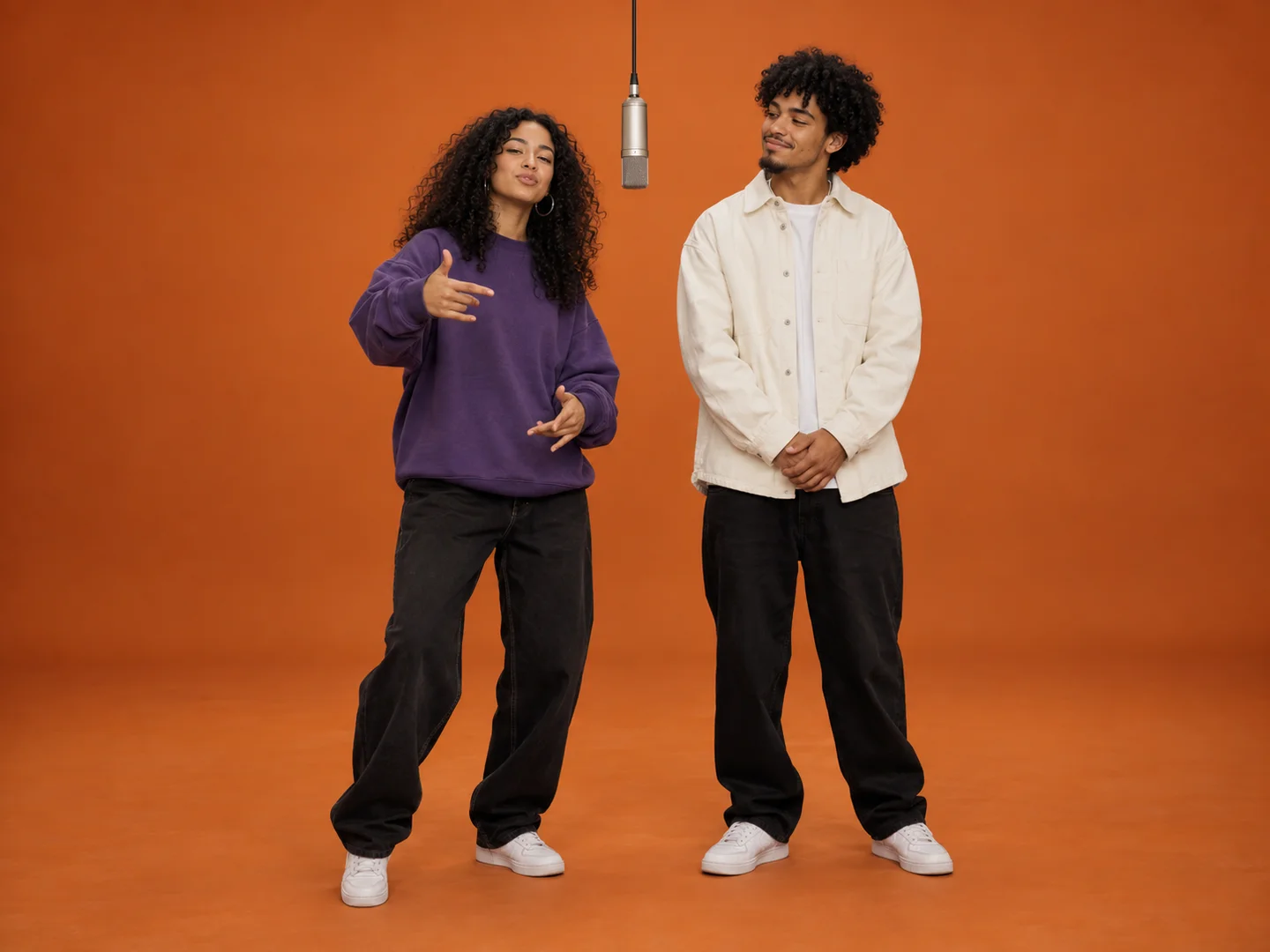
Two siblings, one mic, years of unfinished arguments. Recent photos with strong expressions work best.
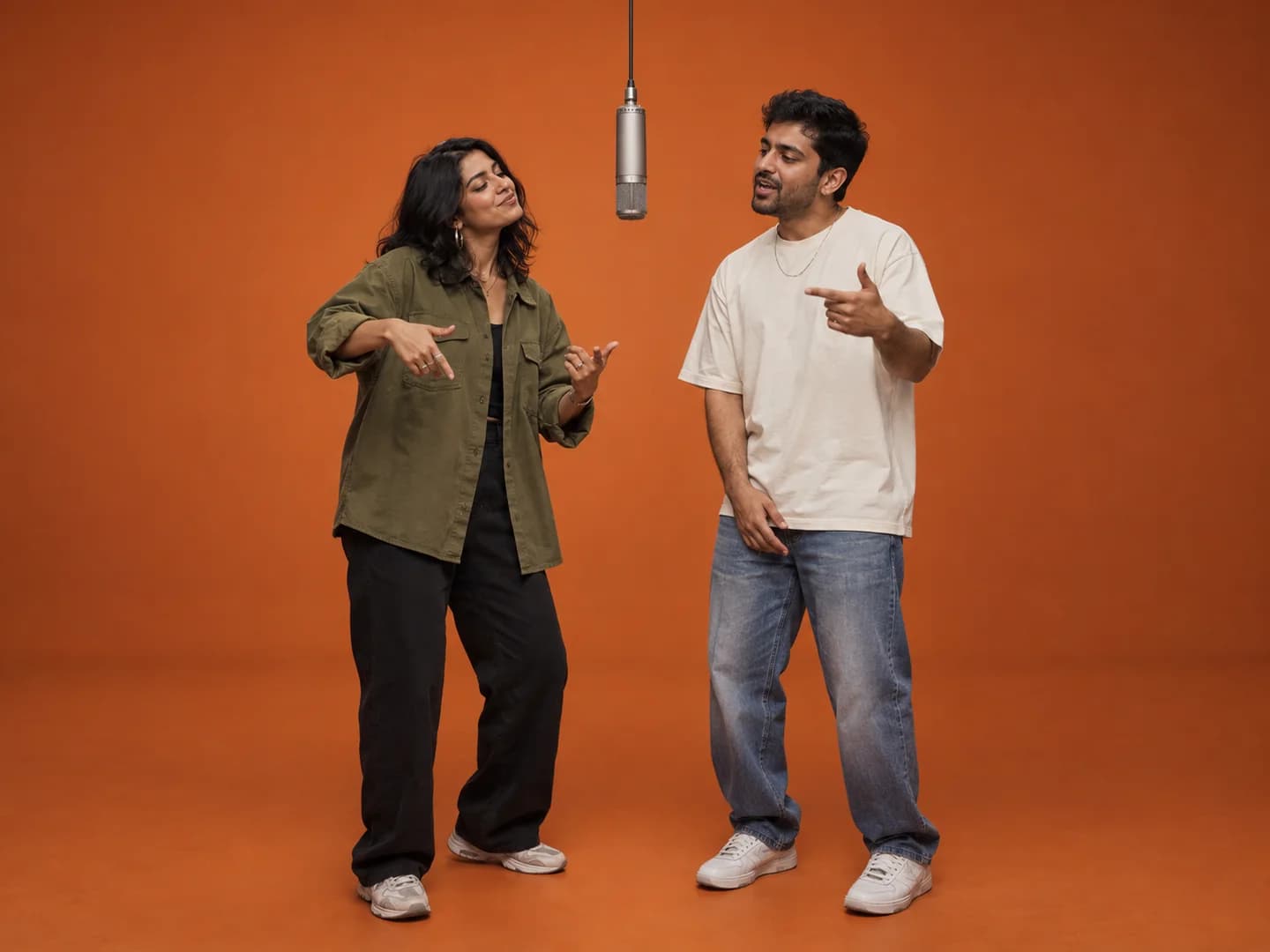
A cheeky anniversary surprise or a duet you'll replay for years. Pick photos where you both look like yourselves.
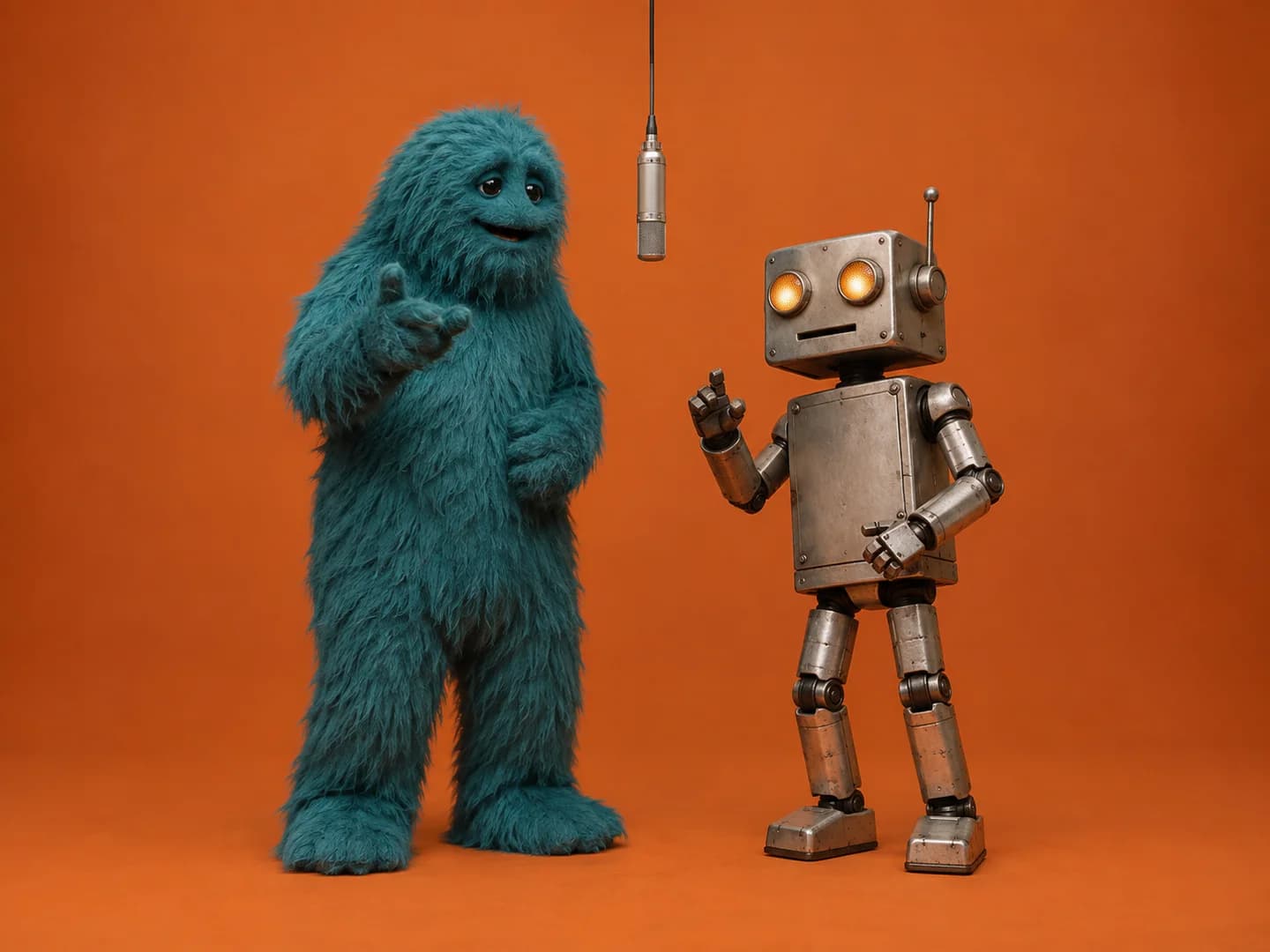
Pair two mascots or characters you created. Clear, front-facing artwork gives the cleanest result.
Common problems
AI video isn't perfect. Most issues trace back to the source photos, so start there.
Use sharper, single-subject photos with the face fully visible and no beauty filters. Even with good photos, AI can change small details, so generating again often helps.
Make sure each photo shows only one subject and that the two photos look clearly different. Generating again usually fixes a swap.
Most videos finish in a few minutes, but busy periods take longer. You can close the progress window; the video keeps rendering and this tab picks it back up.
Videos are 720p. Start from photos at least 1000 px on the short side, avoid motion blur, and keep the subject large in the frame.
Download the MP4 and post it as a regular video on TikTok, Instagram Reels or YouTube Shorts. Pick portrait 9:16 before generating so it fills the screen.
Lead with the reveal: the first second should show who is in the booth. Keep the caption short, tag the other performer, and add #hotellobby so people can find it.
If you add a soundtrack in the app, choose audio you're allowed to use on that platform.
Answers before you create
What to know before making your first Hotel Lobby AI video.
Upload one photo for the left performer and one for the right, choose portrait or landscape, then press Generate My Video. The scene, camera and performance are handled for you.
Yes. Cats, dogs and other pets work well. They stand upright at the mic and keep their own fur, markings and features. Use one clear photo per animal.
Yes, as long as you both agree. Only upload photos of people who have given you permission.
Usually a few minutes. You can close the progress window; generation continues. Refreshing the same tab restores its progress, but closing the browser tab can lose the result link.
Every video is 15 seconds at 720p with generated audio, in portrait 9:16 or landscape 16:9.
No. The audio is an original beat and vocals generated with the video. If you want a different soundtrack, add music you're licensed to use.
AI video can drift when photos are blurry, filtered or very similar. Try sharper single-subject photos and generate again.
It's a 2022 song by Quavo and Takeoff. Their performance of it in a plain orange studio booth became the template for this AI video trend.
Download it as soon as it is ready. The provider removes prediction data and output files automatically, typically within an hour. This site does not keep a permanent copy.
Your duo is waiting
Pick two photos you already love and give them fifteen seconds of fame.